Business VoIP built around your team.
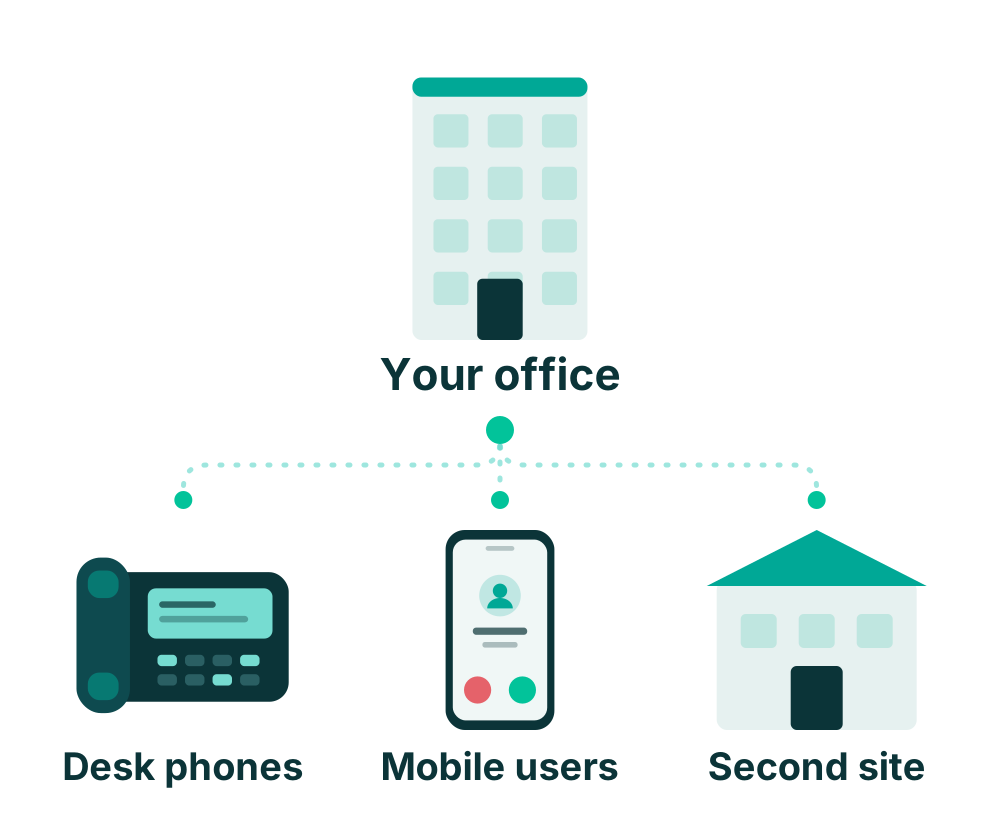
Connect desk phones, mobile users, and office locations with a hosted phone system configured for how your business handles calls.
Clear, internet-powered calling without server hardware
VoIP carries calls over an internet connection. A hosted system lets your business manage calling features without maintaining an on-site phone server.
Hosted Simplicity vs. Legacy PBX
Instead of paying for bulky PBX hardware in a server closet, your phone system lives securely in high-availability carrier data centers. Your desk phones and apps connect directly over your existing internet connection with zero on-site maintenance.
Essential features for everyday business calling
Reliable tools configured around your business workflow so customers reach the right team member quickly.
Auto-attendant
Help callers reach the right person or department with structured daytime, after-hours, and holiday greetings.
Extensions and transfers
Connect staff and move calls between team members with seamless warm or blind internal extension transfers.
Ring groups and queues
Organize incoming calls around available staff so team members can share reception and customer service call volumes.
Voicemail
Give callers a way to leave messages when staff are unavailable, with optional audio notifications sent directly to email.
Mobile calling
Support compatible apps for selected users so staff can make and take calls using business caller ID away from their desks.
Multiple locations
Plan routing between offices and satellite facilities so your business functions under one unified extension directory.
Note: Available calling features and options depend on the selected service tier and organization configuration.
Equipment selection and setup guidance
Pier helps select compatible Yealink phones, configures equipment before shipment, and guides setup so your team can plug in and begin calling smoothly.
System Requirements
Suitable Internet: Stable commercial broadband or fiber connection for clear voice quality.
Compatible Network: Standard ethernet switching and router configuration supporting VoIP traffic.
Appropriate Power: Power over Ethernet (PoE) network switch or dedicated AC power adapters.
Frequently asked questions
Clear information on number porting, phone hardware, and pricing considerations.
Can we keep our numbers?
Eligibility and transfer timing are reviewed first. We check with your current carrier before scheduling the transfer to coordinate a clean cutover with zero downtime for your callers.
Can we reuse existing phones?
Models and compatibility need review. Some existing IP phones may be compatible, while analog phones or proprietary systems may require adapters or updated Yealink hardware.
What determines pricing?
Pricing is determined by your total user count, selected equipment models, additional services like fax or paging, number of locations, agreement terms, and specific setup needs.
Let’s plan your business phone system.
Tell us about your team size, locations, and call-handling needs. Our specialists will prepare a transparent, tailored recommendation.
Northern New York roots • Personalized support • Pre-configured equipment